Showing 10–18 of 120 results
-

Water-proof Junction Box
Dahua – PFA123
>Aesthetic design
>Material: aluminum
>IP66 junction box -
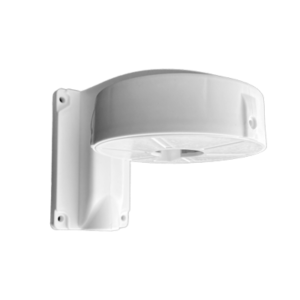
Dome Camera Wall Type
40.00 ₾CamBox DM-121
> High Quality Engineering Plastic
> DM-121 is used for Dome Cameras up to 121mm diameters.
> Material: Engineering Plastic
> Weight: 110-125 gr -
კამერის სამაგრი ფეხი
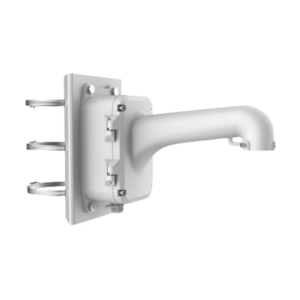
HIKVISION – DS-1604ZJ-box-pole
> Vertical Pole Mount for Speed Dome
> Aluminum Alloy & Steel
> Platinum Gray -
კამერის სამაგრი ფეხი
HIKVISION – DS-1280ZJ-SD11
> Junction Box for 4-inch PTZ Camera
> Aluminum Alloy
> Hikvision White -
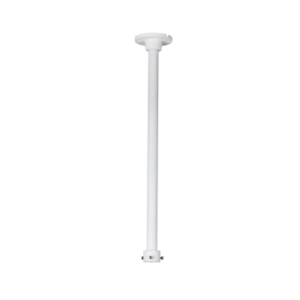
Ceiling Mount Bracket
Dahua – PFB220C
>Neat & Integrated design.
>Ceiling mount bracket.
>Material: Aluminum. -
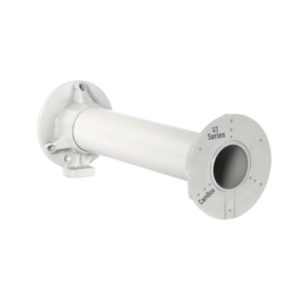
Bracket 50 CM
45.00 ₾CamBox – GT-50
> High Quality Bracket
> Material: Engineering Plastic Indoor
> Weight: 175-625 gr
> Montage Surface: 101 mmx2
> 1-Way Cable And Cable Channel 50×16 Entry
> Color: Full Grey -
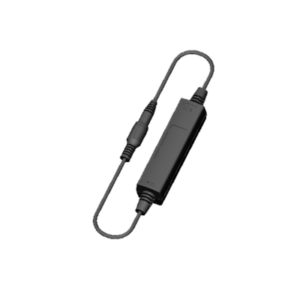
HDCVI External Power Isolator
Dahua – PFM790
>Power supply isolator, to solve the HDCVI image interference caused by power supply effectively.
>Apply to indoor or in junction box.
>Working Temperature: -30~60℃. -
Junction Box
Dahua – PFA135
> Aesthetic design
> Material: aluminum
> Junction box -
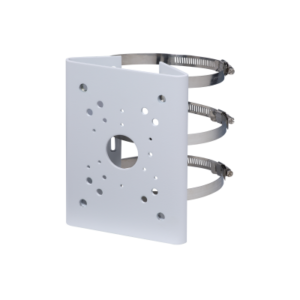
Pole Mount Bracket
Dahua – PFA150
>Material: SECC & SUS304
>Pole mount bracket
>Aesthetic design